Step 2: Request Certificate
Request Certificate (Solicitar Certificado)
- After installing Configurador FNMT-RCM, go back to website Sede Electrónica : https://www.sede.fnmt.gob.es/inicio
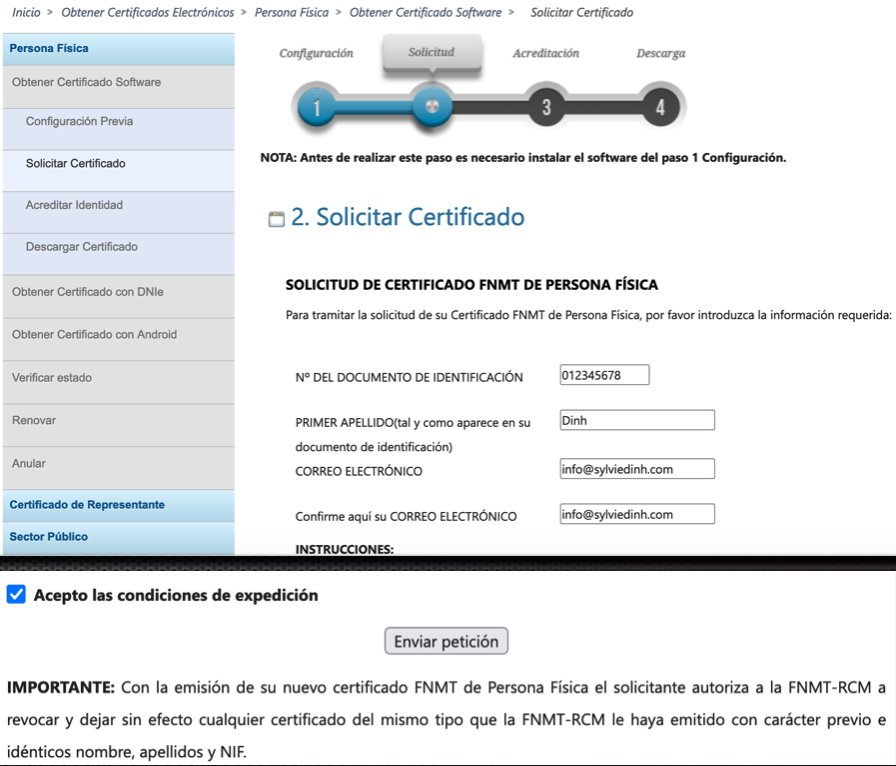
- Choose Obtener Certificados Electrónicos/Persona Física/Obtener Certificado Software/Solicitar Certificado
- Fill the form: No del Documento de Identification = your NIE/DNI Number
- Scroll down, click on “Pulse aquí para consultar y aceptar las condiciones de expedición del certificado”, choose option “Acepto las condiciones de expedición”, then “Enviar petición”
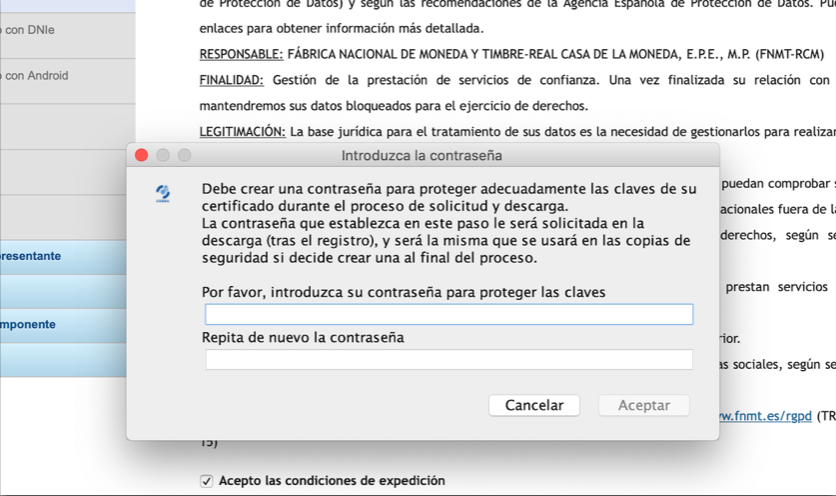
- You will be asked for this password after registering, and it will be the same one you will use later to download the certificate
- After typing the password, you will be sent an email with your application number that will be associated with your ID
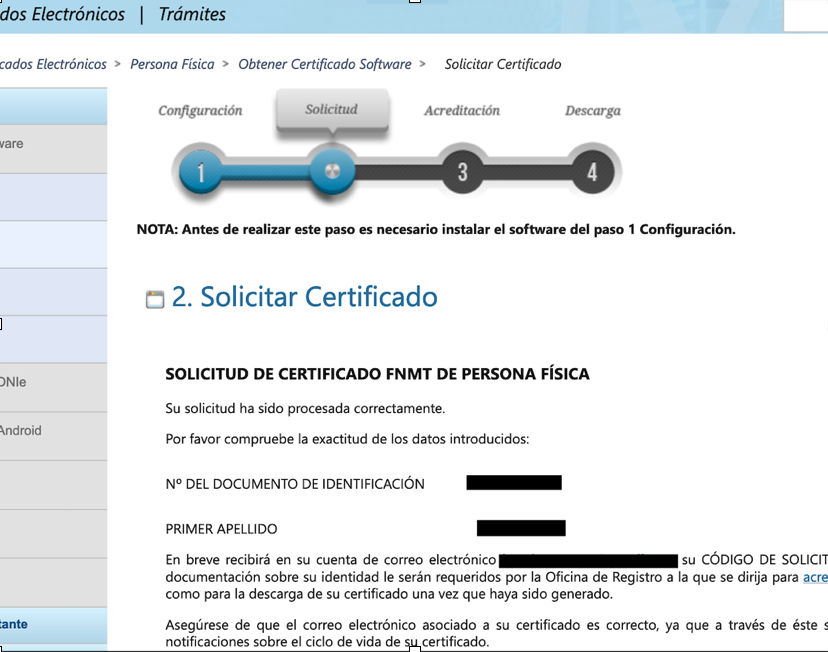
- Send request successfully and confirmed information
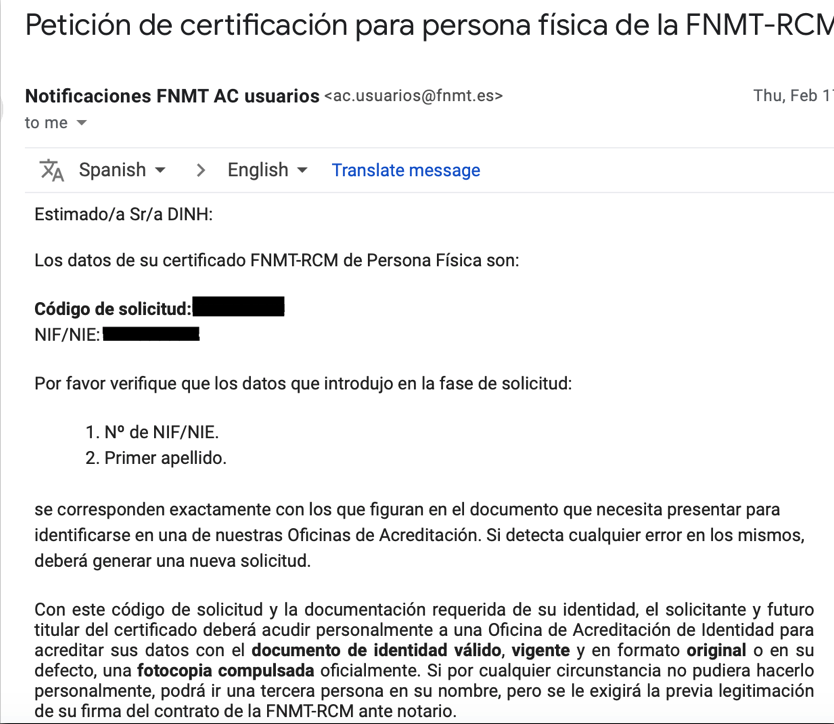
- You will receive a confirmed email from FNMT
- Make sure that you save/remember Código de solicitud (for the step 3)